 Lyre Studio
Music studio
Lyre Studio
Play an instrument, record it on the timeline, swipe to the next one. Everything keeps playing while you go. Right in your browser, with nothing to install.
Works in Chrome, Edge, Firefox and Safari on a computer, phone or tablet. Tap once to start the sound. Headphones help on a phone.
The timeline is home
A lane for each instrument
Tap a lane's name to open that instrument full screen. Arm it, press record, play. The take lands on its lane, on the bar.
Swipe between faces
A hard swipe goes to the next instrument. Nothing stops: the beat, the click and your takes keep going.
One clock
Drums, click and recordings run off the same clock, so a long song stays in time to the sample.
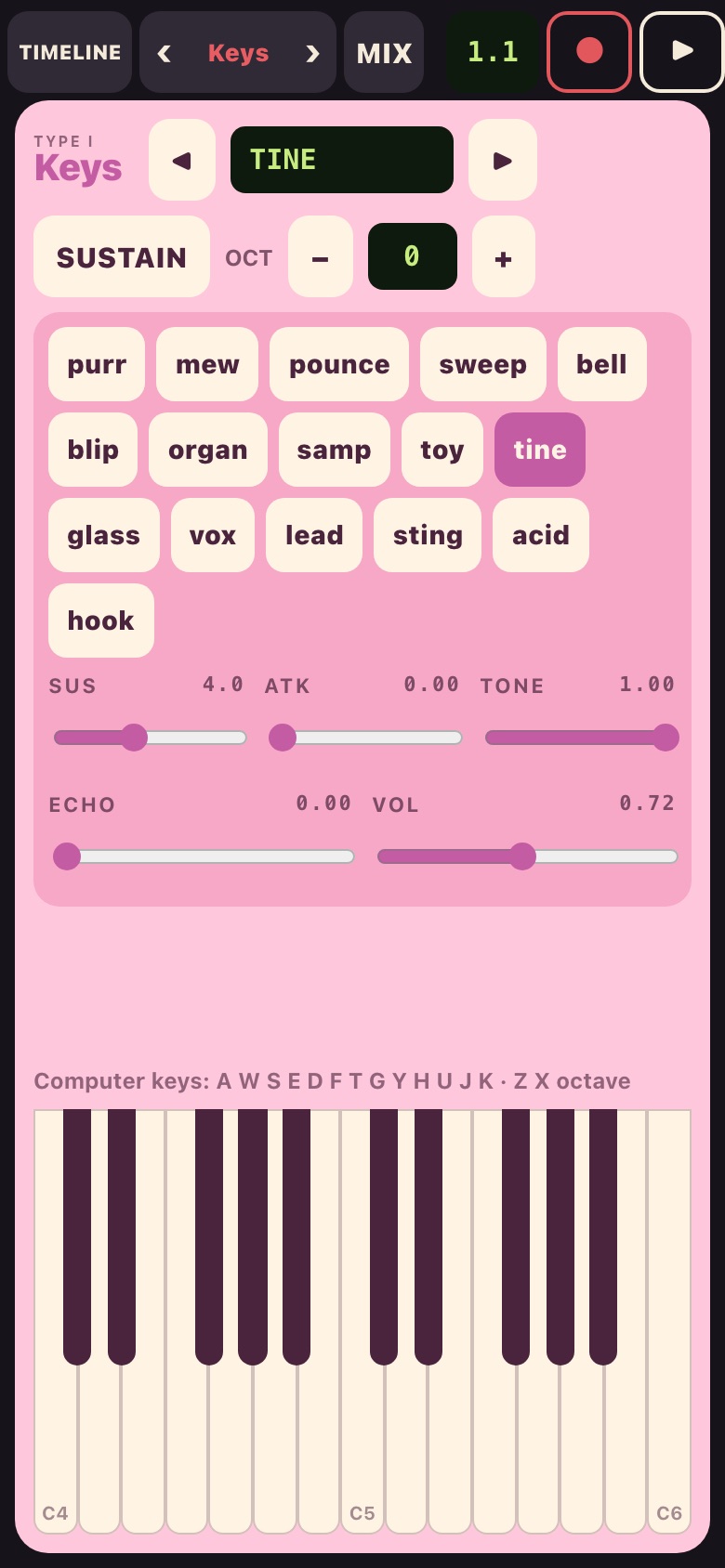
Keys
Sixteen waves with sustain, attack, tone and echo. Play the on-screen keys or your computer keyboard.
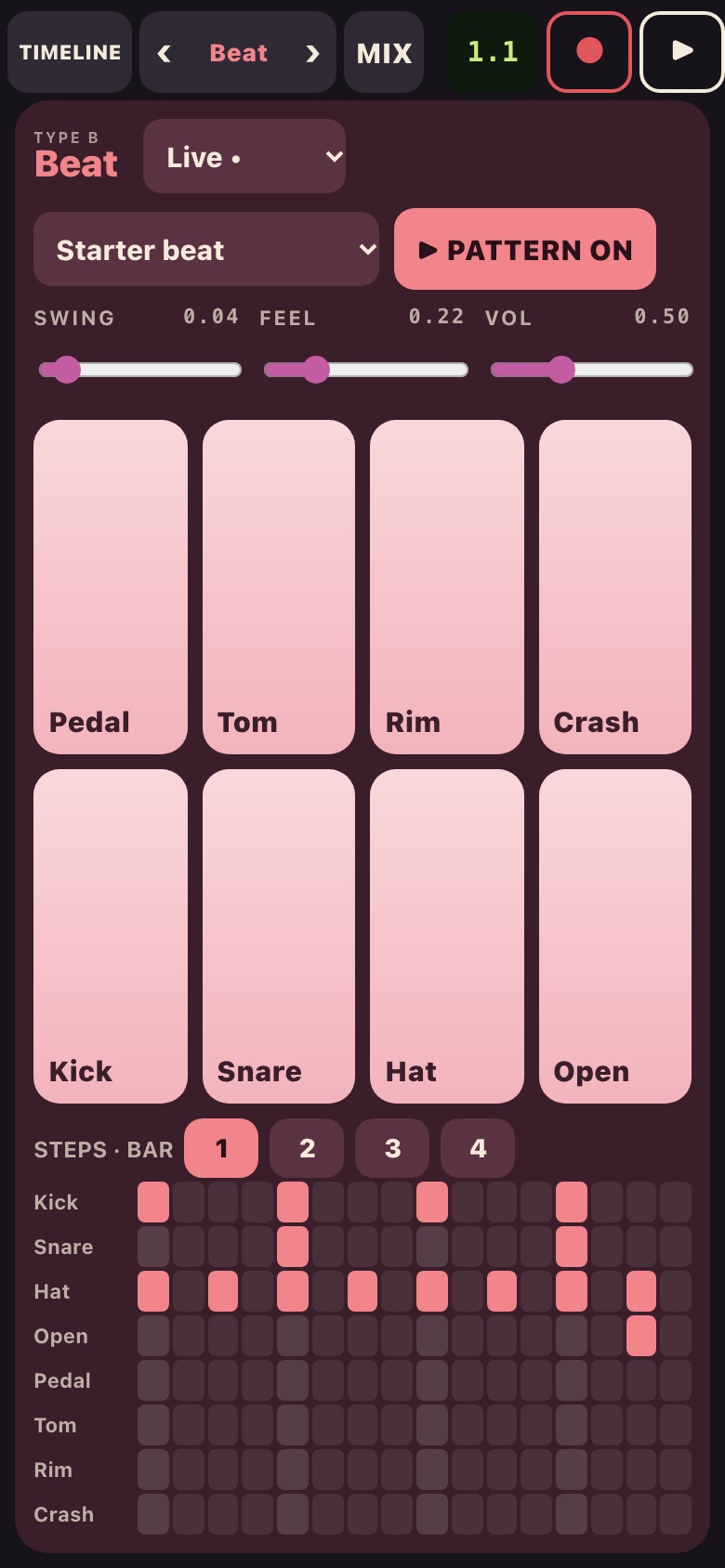
Beat
Twenty kits, from recorded acoustic drums to our own drum synths, with styles, swing and feel.
Mix
Faders, meters, pan, mute and solo, and a master limiter that keeps it loud and clean.
Try it free, then pick how you play
In your browser
or $39 a year (about a third off)
- Every instrument in the web version, no time limit
- Any browser: computer, phone or tablet
- Free demo: 40 minutes each session, no sign-up
- Cancel any time
You get a key by email. Enter it in the web version (tap DEMO in the top bar).
Lyre Studio for Mac
- The full app, native on your Mac
- Pay once, keep it
- Its key unlocks the web version too, while its updates last
Good to know
How does the free demo work?
Everything works for 40 minutes each session, with no sign-up. When the time's up, your take is kept; subscribe to keep going, or start a new session later.
How do I cancel?
The receipt email has a link to manage your subscription. Cancel there any time; the key works until the end of the period you paid for.
Where are my songs kept?
In your browser, on your device. Nothing is sent to us.
Can I use a MIDI keyboard?
MIDI is on the way for the browser version. Until then you can play with your computer keys (A to K, with Z and X for octave).
There's no sound.
Tap or click once on the page to start the sound (browsers ask for that). On an iPhone, check the ring/silent switch.